Click on the link below
18 Feb 2013 Comments Off on Click on the link below
in from mspdgttsartstudents Tags: assignment, photo
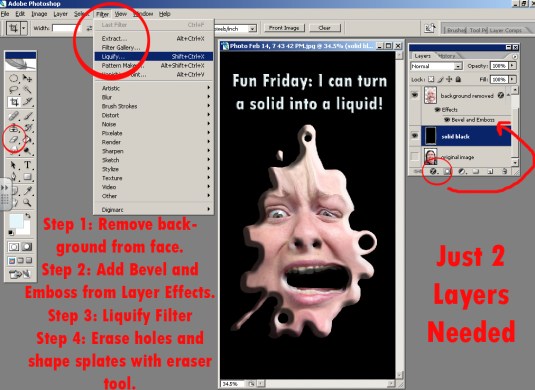
I can use Photoshop to create my own scene inspired Salvador Dali’s famous persistence of memory.
I can apply the same techniques I learned in the Liquify Me assignment in a new way.
Gather images, then combine them in Photoshop.
Techniques to use:
Separate layers: The background (a landscape in this scenario) is on the bottom. Each object that you are liquifying will be on its own layer with empty space around it, so that the background shows through.
Layer effects: such as drop shadow or bevel and emboss (found at the bottom of the layers palette)
Filter: Liquify filter, including “pushing the image” (forward warp) and “bulging” (bloat)
Erasing: choosing hard edge or soft edge erasers, changing the diameter of the eraser.
Free Transform: (found under the edit menu), turning, moving…and when finished.

11 Feb 2013 Comments Off on
in Resources Tags: article, photo, photography, rule of 3rds, rule of thirds
Link to AP Studio Score Examples
08 Feb 2013 Comments Off on Link to AP Studio Score Examples
in Resources Tags: AP, AP Art, rubric
For AP 2D Design Students
07 Feb 2013 Comments Off on For AP 2D Design Students
in Resources Tags: AP, AP Art, rubric
Link: http://apstudent.collegeboard.org/apcourse/ap-studio-art-2-d-design
PDF: Helpful College Board info concerning AP Studio Art Courses
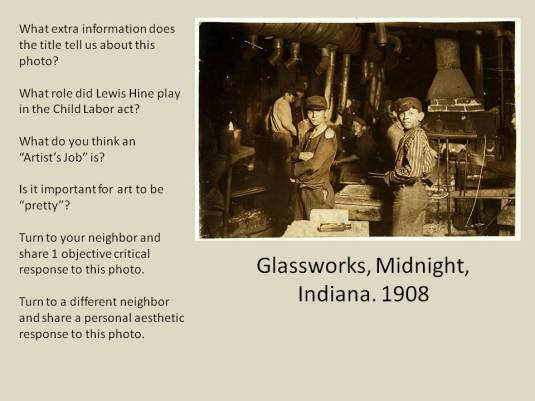
Photo Homework Projection
05 Feb 2013 Comments Off on Photo Homework Projection
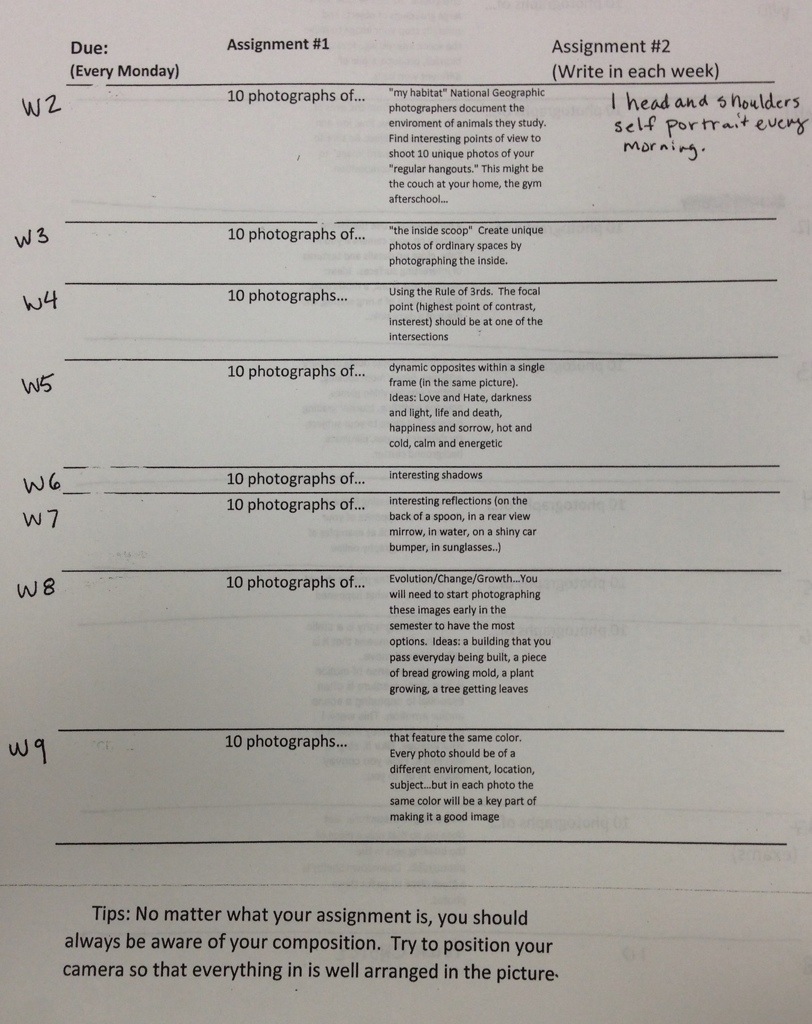
in from mspdgttsartstudents Tags: photo

Way to go Photo Student, Malachi Hamilton! Front Page shot of Winter Weather!
05 Feb 2013 Comments Off on Way to go Photo Student, Malachi Hamilton! Front Page shot of Winter Weather!


 Art Is Good