
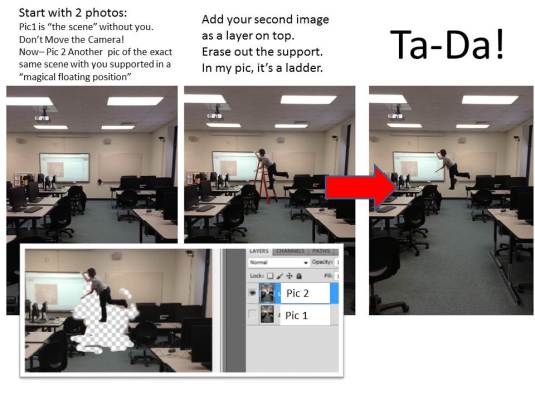
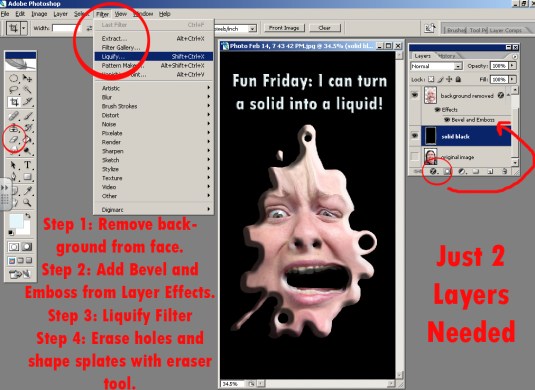
the-floating-human-trick-in-just-2-layers.jpg
14 Mar 2013 Comments Off on the-floating-human-trick-in-just-2-layers.jpg
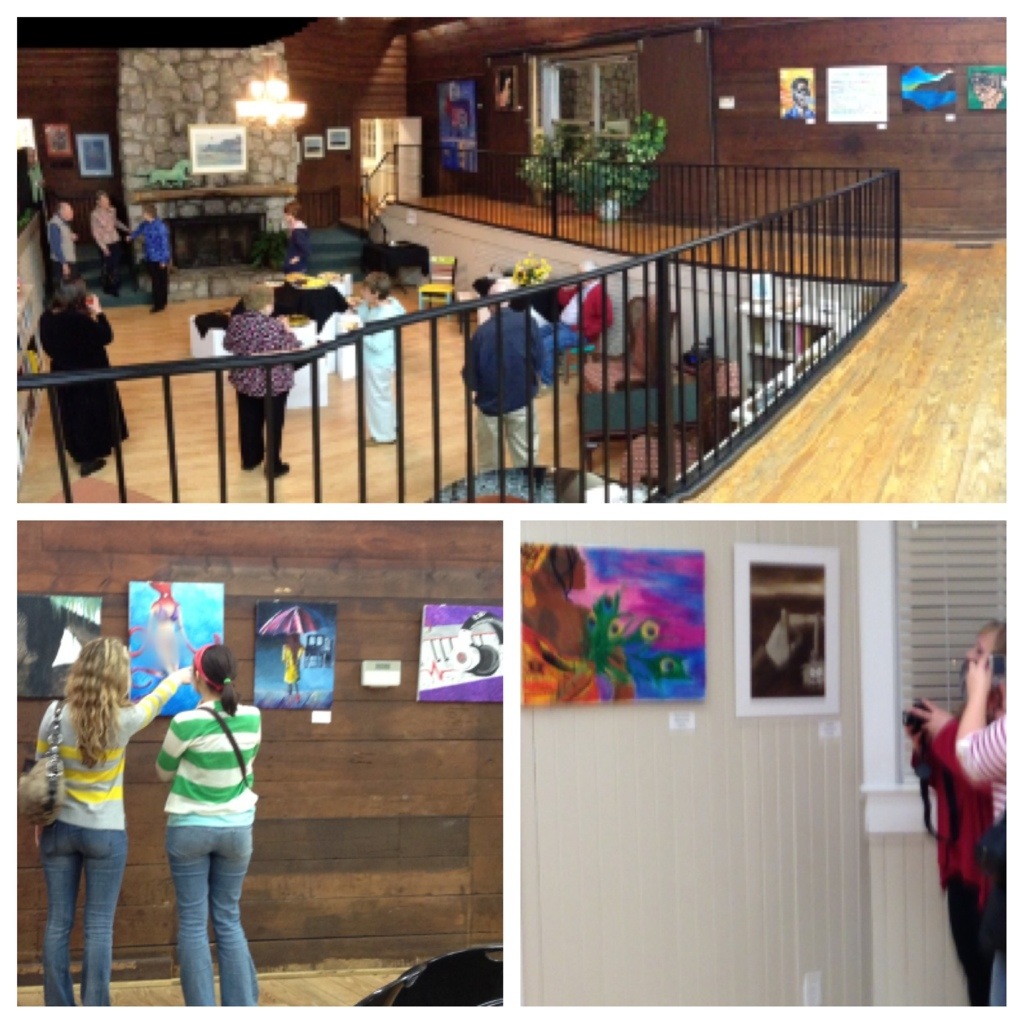
SASI Exhibition at The Art Depot in Kings Mountain
11 Mar 2013 Comments Off on SASI Exhibition at The Art Depot in Kings Mountain
04 Mar 2013 Comments Off on
Every act of creation is first an act of destruction.
-Pablo Picasso
Click Link to View Screen by Screen Tips for Creating Your Own Shadow Swap!
01 Mar 2013 Comments Off on Click Link to View Screen by Screen Tips for Creating Your Own Shadow Swap!
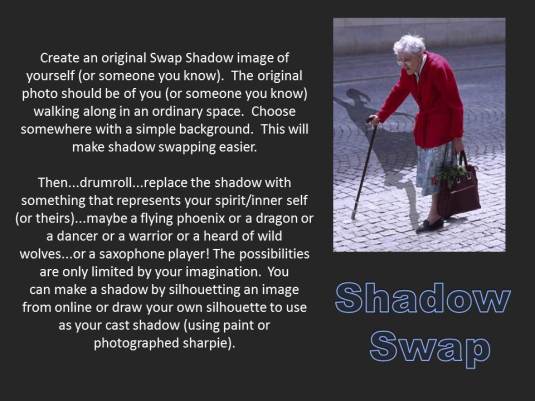
Click on the link below
18 Feb 2013 Comments Off on Click on the link below
in from mspdgttsartstudents Tags: assignment, photo
I can use Photoshop to create my own scene inspired Salvador Dali’s famous persistence of memory.
I can apply the same techniques I learned in the Liquify Me assignment in a new way.
Gather images, then combine them in Photoshop.
Techniques to use:
Separate layers: The background (a landscape in this scenario) is on the bottom. Each object that you are liquifying will be on its own layer with empty space around it, so that the background shows through.
Layer effects: such as drop shadow or bevel and emboss (found at the bottom of the layers palette)
Filter: Liquify filter, including “pushing the image” (forward warp) and “bulging” (bloat)
Erasing: choosing hard edge or soft edge erasers, changing the diameter of the eraser.
Free Transform: (found under the edit menu), turning, moving…and when finished.

 Art Is Good